ESP-12E Nano Web Server
My idea, a minimalistic, portable web server as tiny as possible which can server a static web page on the go.
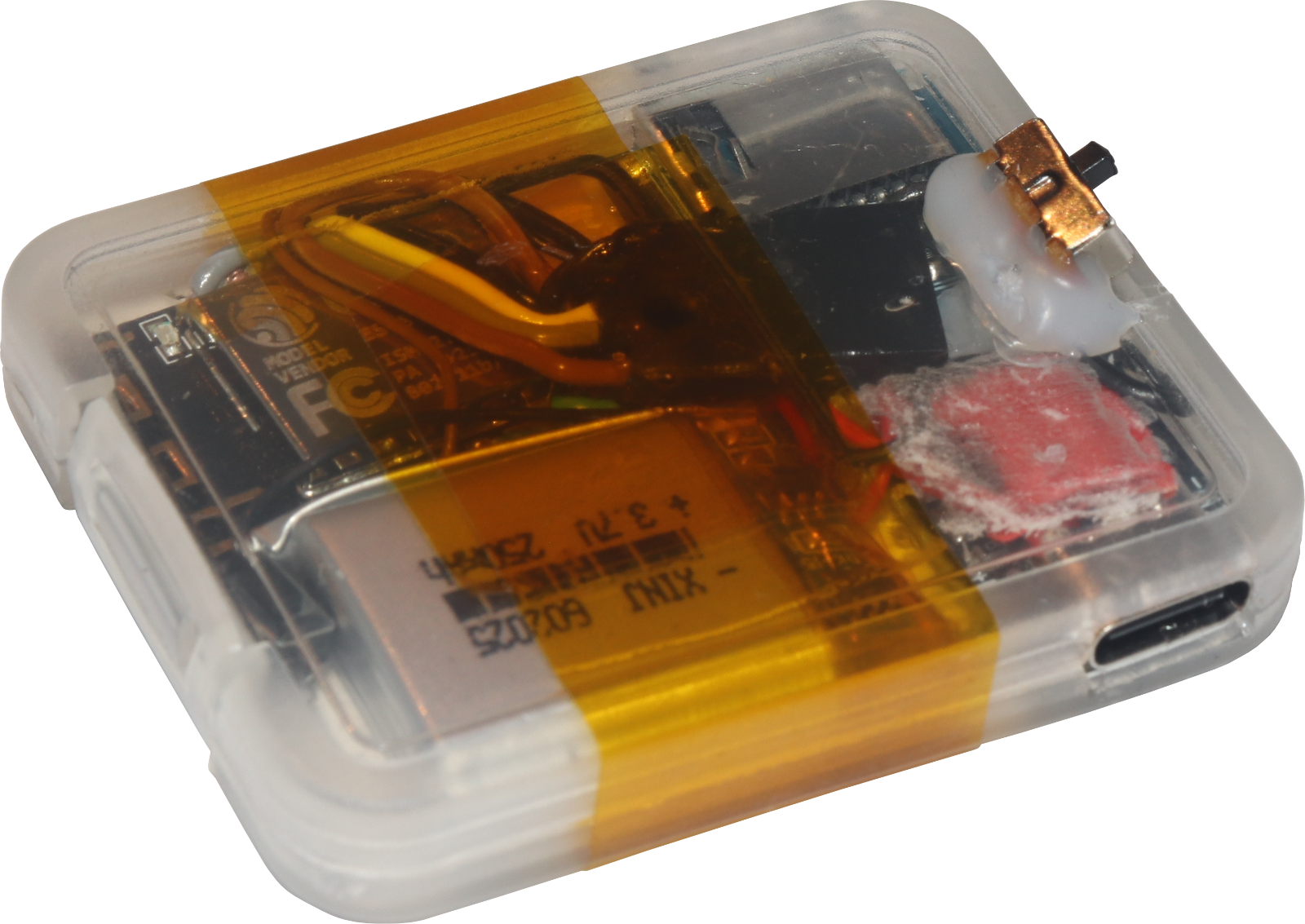
Parts
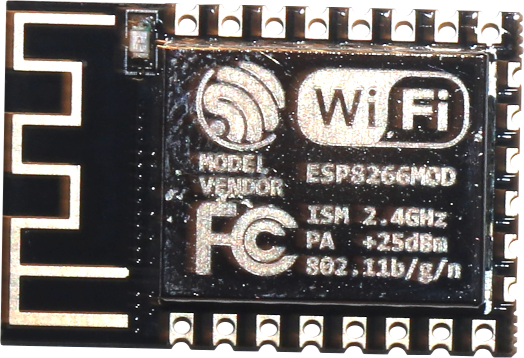 |
ESP-12E | or any similar ESP8266 module |
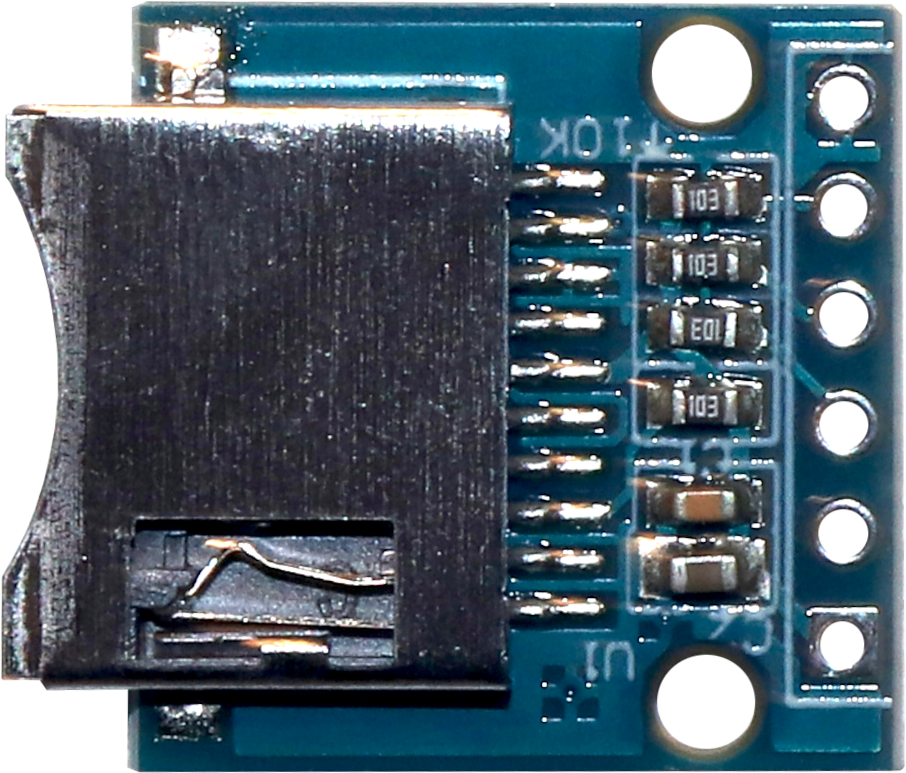 |
SD adapter | MicroSD card adapter, if possible those default modules including some safety resistors and capacitors |
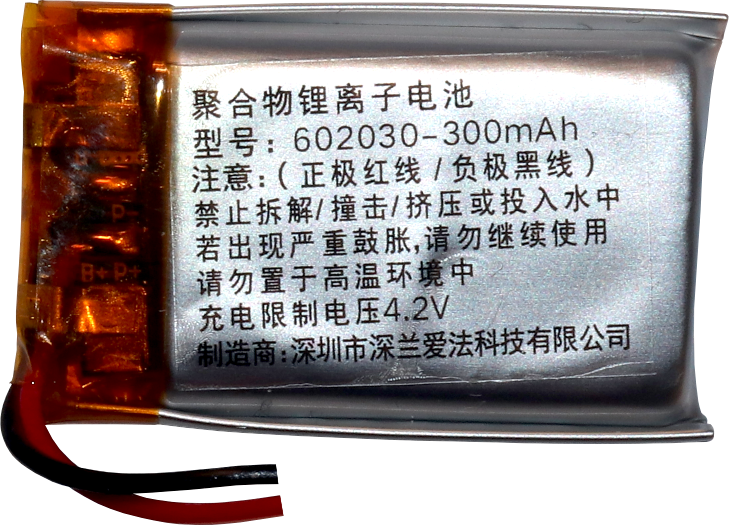 |
Li-ion battery | ~250mAh should be enough |
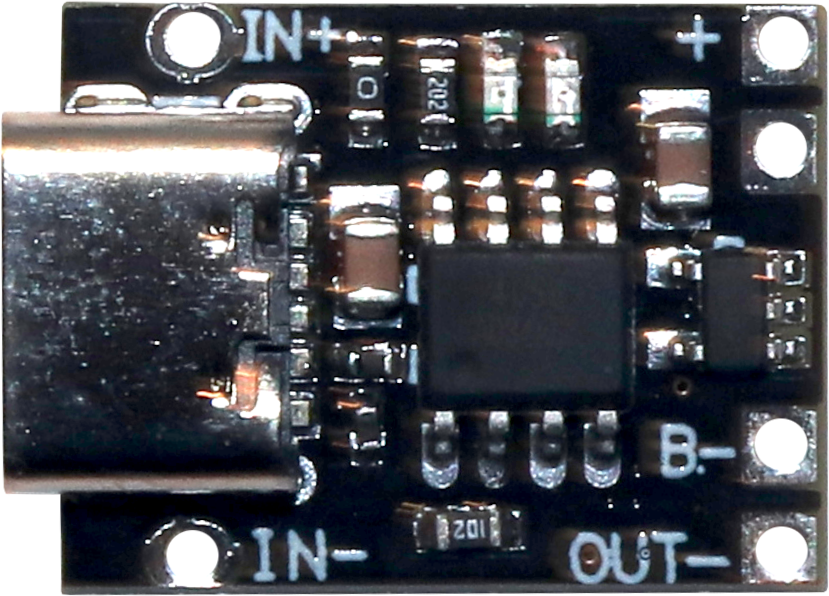 |
Li-ion charger | charging module with USB port; if your battery has no protection, this must include that |
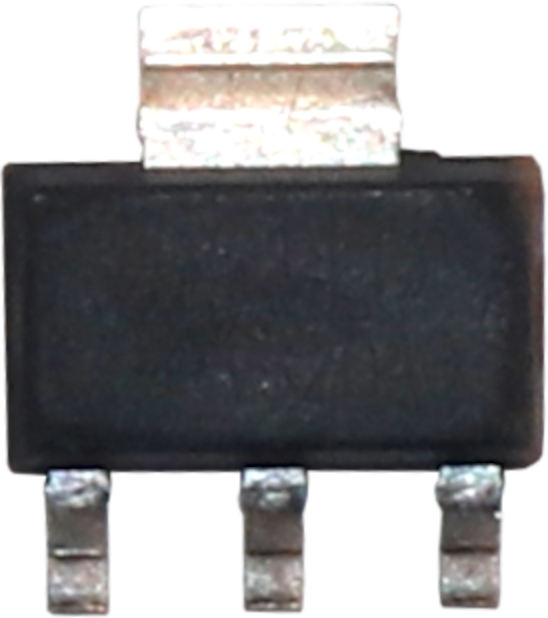 |
AMS1117-3V3 | voltage regulator to convert the 3.7V to 4.2V to the 3.3V the ESP needs |
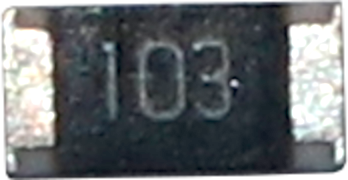 |
10kΩ resistor | 0603 or 0805 SMD if possible, a normal package would work too, of course |
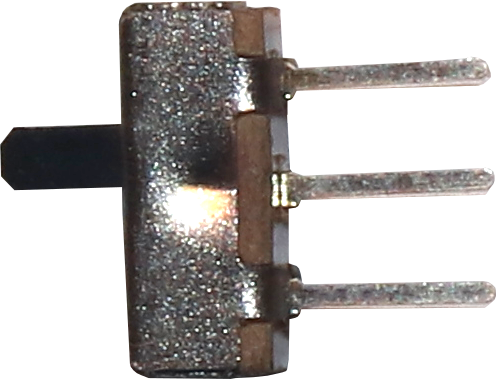 |
Switch | simple on/off switch, I used a 3 pin |
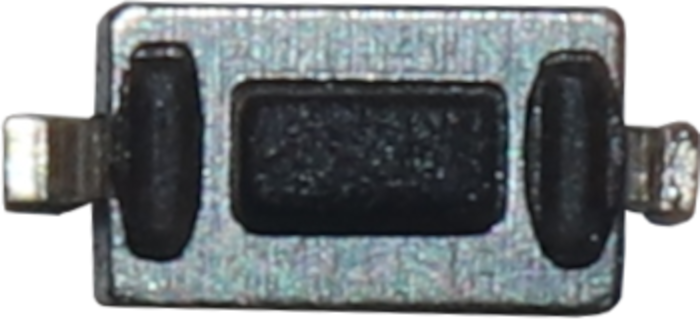 |
Pushbutton | simple momentary pushbutton to enter program mode on boot |
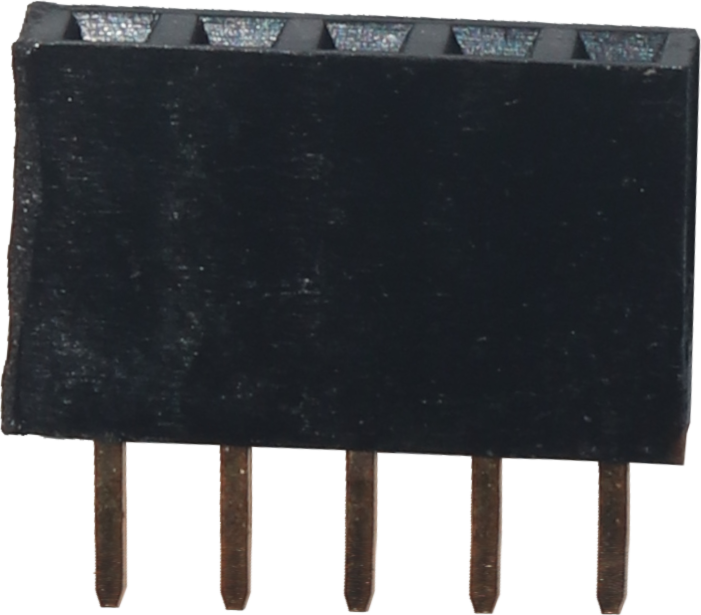 |
1x5 header | header to connect the USB to serial adapter to, I used a female header |
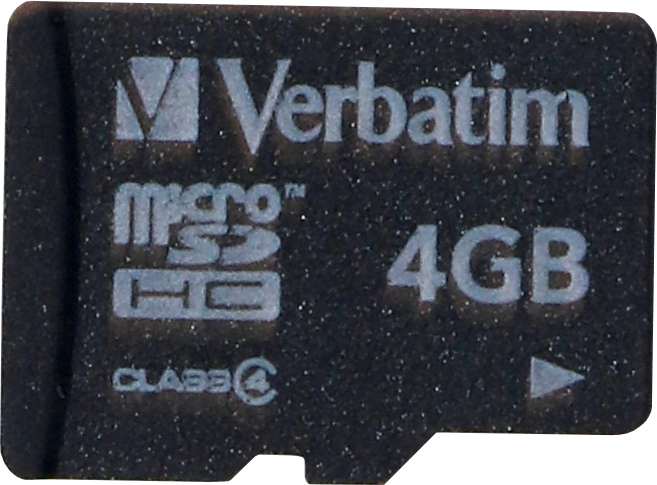 |
MicroSD card | everything above 256MB or Class4 is too much because of the ESP speed |
| Wires | you can use almost any thin wire; this doesn't use any current basically :D |
Circuit diagram

ESP-12E
1 RST→ programmerRST3 EN→ +3.3V
(to enable chip)5 GPIO14→ SDCardCLK6 GPIO12→ SDCardMISO7 GPIO13→ SDCardMOSI8 VCC→ +3.3V (absolute max 3.6V)15 GND→ ground16 GPIO15→ SDCardCS / SS16 GPIO15→ 10kΩ resistor → ground
(to pull down the pin low at boot)18 GPIO00→ pushbutton → ground
(to allow setting low to enable program mode at boot)21 RXD0→ programmerTX22 TXD0→ programmerRX
Power supply
The basic build is battery → charge moduile → AMS1117 3V3 &arr; server. My battery has a safty circuit built-in and the charger-board also has a protection chip included; one protection is needed but also enough. The charger board usually directly connects the bat+ to out+ but bat- is managed by the protection, so I connected the power switch to the latter.
The battery may have a nominal output voltage of 3.7V but there will be up to 4.2V on the wires when it'S fully or being charged. So, to provide the 3.3V the ESP needs, I connected the AMS1117 3V3:
1 GND→ charger boardout-2 OUT→ ESP and SDCardVCC3 IN→ charger boardout+
Flashing
The ESP has several boot modes which are selected at boot time via the following pin states. There two modes are important here:
| Mode | GPIO00 | GPIO02 | GPIO15 |
|---|---|---|---|
| UART (programming) | LOW | HIGH | LOW |
| Flash (normal) | HIGH | HIGH | LOW |
To set a pin high, you can just not connect it.
To begin flashing via the Arduino IDE, first connect the ESP to the USB-to-Serial adapter:
- Serial
VCC→ ESP8 VCC(make sure that it's 3.3V!!!) - Serial
GND→ ESP15 GND - Serial
TX→ ESPRX - Serial
RX→ ESPTX - Serial
RST→RSP(optional, only to allow automatic reset after flashing)
Then, while holding the pushbutton (pulling 18 GPIO00 low), connect the USB-to-Serial adapter to the PC. Select its serial port via Tools → Port (something like /dev/ttyUSB0 or COM4). Start upload.
Software
I code using the Arduino IDE with the board manager http://arduino.esp8266.com/stable/package_esp8266com_index.json and basically just copy'n'pasted example code together.
#include <ESP8266WiFi.h>
#include <WiFiClient.h>
#include <ESP8266WebServer.h>
#include <SPI.h>
#include <SD.h>

const char* ssid = "NanoServer";
const char* password = NULL;
const char* host = "nano";
IPAddress apIP(192, 168, 8, 1);

ESP8266WebServer server(80);
static bool hasSD = false;

bool respondFromSD(String path) {
  String dataType = "text/plain";
  if (path.endsWith("/")) path += "index.htm";

  if (path.endsWith(".htm")) dataType = "text/html";
  else if (path.endsWith(".css")) dataType = "text/css";
  else if (path.endsWith(".js")) dataType = "application/javascript";
  else if (path.endsWith(".png")) dataType = "image/png";
  else if (path.endsWith(".gif")) dataType = "image/gif";
  else if (path.endsWith(".jpg")) dataType = "image/jpeg";
  else if (path.endsWith(".ico")) dataType = "image/x-icon";
  else if (path.endsWith(".xml")) dataType = "text/xml";
  else if (path.endsWith(".pdf")) dataType = "application/pdf";
  else if (path.endsWith(".zip")) dataType = "application/zip";
  else if (path.endsWith(".ttf")) dataType = "font/ttf";
  else if (path.endsWith(".eot")) dataType = "application/vnd.ms-fontobject";
  else if (path.endsWith(".woff")) dataType = "font/woff";
  else if (path.endsWith(".woff2")) dataType = "font/woff2";

  File dataFile = SD.open(path.c_str());
  if (dataFile.isDirectory()) {
    path += "/index.htm";
    dataType = "text/html";
    dataFile = SD.open(path.c_str());
  }

  if (!dataFile) return false;

  if (server.streamFile(dataFile, dataType) != dataFile.size()) {
    Serial.println("Sent less data than expected!");
  }

  dataFile.close();
  return true;
}

unsigned char h2int(char c) {
    if (c >= '0' && c <='9')
        return((unsigned char)c - '0');
    if (c >= 'a' && c <='f')
        return((unsigned char)c - 'a' + 10);
    if (c >= 'A' && c <='F')
        return((unsigned char)c - 'A' + 10);
    return(0);
}

String urldecode(String str) {
    String encodedString = "";
    char c;
    char code0;
    char code1;
    for (int i =0; i < str.length(); i++) {
        c=str.charAt(i);
      if (c == '+')
        encodedString += ' ';
      else if (c == '%') {
        i++;
        code0=str.charAt(i);
        i++;
        code1=str.charAt(i);
        c = (h2int(code0) << 4) | h2int(code1);
        encodedString += c;
      } else
        encodedString += c;

      yield();
    }

   return encodedString;
}

void handleFileRequest() {
  if (hasSD && respondFromSD(urldecode(server.uri()))) return;
  String message = "SDCARD Not Detected\n\n";
  message += "URI: ";
  message += server.uri();
  message += "\nMethod: ";
  message += (server.method() == HTTP_GET) ? "GET" : "POST";
  message += "\nArguments: ";
  message += server.args();
  message += "\n";
  for (uint8_t i = 0; i < server.args(); i++) {
    message += " NAME:"+server.argName(i) + "\n VALUE:" + server.arg(i) + "\n";
  }
  server.send(404, "text/plain", message);
  Serial.print(message);
}

void setup(void) {
  Serial.begin(115200);
  Serial.setDebugOutput(true);
  Serial.print("\n");

  // configure access point
  WiFi.mode(WIFI_AP);
  WiFi.softAPConfig(apIP, apIP, IPAddress(255, 255, 255, 0));
  WiFi.softAP(ssid, password, 5, false, 8); // WiFi name
  Serial.println("SoftAP started.");
  Serial.print("Server IP: ");
  Serial.print(WiFi.softAPIP());
  Serial.print("\n");

  server.onNotFound(handleFileRequest);
  server.begin();
  Serial.println("HTTP server started");

  if (SD.begin(SS)) {
     Serial.println("SD Card initialized.");
     hasSD = true;
  }
}

void loop(void) {
  server.handleClient();
}